·Updated ·Mergestorm Team·Engineering
How to Resolve Git Merge Conflicts Without the Stress
Learn practical strategies for resolving git merge conflicts efficiently. From understanding conflict markers to using automated review tools, this guide covers everything you need to keep your team shipping.
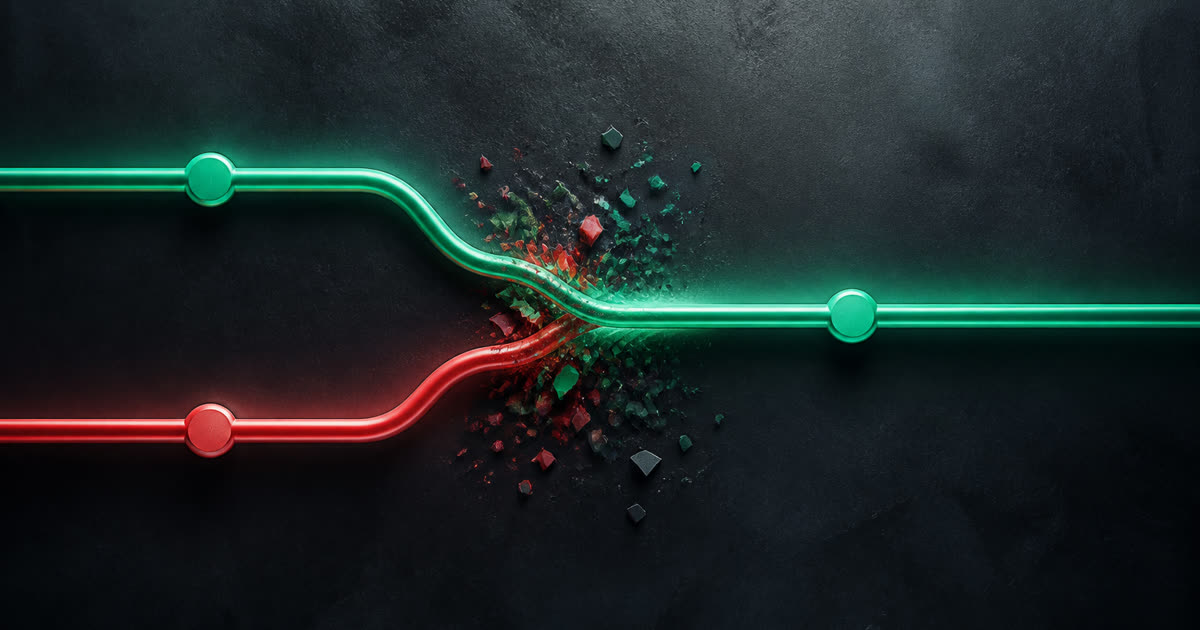
Merge conflicts happen when two branches touch the same lines and Git cannot pick a winner. That is normal in shared codebases. The goal is to resolve them quickly without shipping a broken merge.
This guide walks through conflict markers, a resolution workflow, and a few habits that cut down how often you see them.
What causes merge conflicts?
Git raises a conflict when overlapping changes cannot be merged automatically.
- Concurrent edits: Two branches change the same line.
- Deleted vs. modified: One branch deletes a file while another edits it.
- Structural changes: One branch renames a symbol; another still calls the old name.
Busy repos with parallel work on shared files see conflicts more often. Config files, package manifests, and core modules are the usual suspects.
Understanding conflict markers
Git inserts markers into conflicted files:
<<<<<<< HEAD
// Your current branch's version
const apiUrl = "https://api.example.com/v1";
=======
// The incoming branch's version
const apiUrl = "https://api.staging.example.com/v1";
>>>>>>> feature/new-endpoint
<<<<<<< HEADstarts your branch's version.=======separates the two sides.>>>>>>> branch-nameends the incoming version.
Edit the file to the correct result, then delete all markers.
Step-by-step resolution
1. Pull the latest changes
git checkout main
git pull origin main
git checkout feature/my-feature
git merge main
2. Find conflicted files
git status lists files under "both modified."
3. Resolve each file
Open the file, pick yours, theirs, or a manual combination, and remove the markers.
4. Stage and finish
git add resolved-file.ts
git commit
Git fills in a default merge message. Edit it if you want.
Pro tips for fewer conflicts
Talk to your team
A quick "I'm refactoring auth.ts this week" prevents painful Friday merges.
Merge main often
Long-lived branches collect conflicts. Merge main into feature branches daily when possible.
Keep PRs small
Small PRs review faster and collide less often.
Automate the first review pass
Mergestorm reviews every push and can flag inconsistent naming or structural changes that often precede conflicts. Feedback in seconds beats discovering problems in a giant merge.
Tools that help
VS Code, IntelliJ, and GitHub's web editor all offer visual merge UIs.
- git rerere reuses resolutions you have made before.
- Formatters like Prettier cut down style-only conflicts.
- Automated review catches risky patterns before they spread across branches.
Summary
Conflicts are part of collaborative Git, not a sign something went wrong. A steady workflow plus early review keeps them manageable.
Try Mergestorm on your next PR and see how fast feedback helps before merge day.